
How to Annotate
Annotating a record lets you attach plain-language descriptions to each dataset (file) captured during an experiment. These descriptions appear alongside the data in the gallery and activity tables, making it easier for collaborators to understand what was acquired and why without having to open every file. They are also attached to the structured record, and will be included if you download the XML or JSON of the record.
Side Panel
- Type a description in any text box and click Save Annotations to save all at once.
- Press Ctrl+Enter (or Cmd+Enter on Mac) to save without using the button.
- Click Edit Record in the top bar (or the icon in this panel's header) to open the full editor for managing samples, activities, and dataset assignments.
Inline Editing in Tables
- Hover over any row in a dataset table to reveal the pencil icon next to the description.
- Click the pencil to open a quick-edit popup for that dataset.
- Press Ctrl+Enter (or Cmd+Enter) to save, or Esc to cancel.
Color Coding
Demo mode:
This record was built from publicly available data (see the DOI link below). The datasets attached to this record are just placeholders and do not contain actual data, but the metadata and preview images were extracted/generated from the real data for demonstration purposes. The experimenter names have been changed to fictitious individuals for this demo.
For an interactive tour of the features of this page, please click the "Tutorial" button in the top navigation bar.
| Explore record: |
|---|
|
Activity 1 EDS Spectrum
|
FEI Titan TEM21 data files in 1 activity: 21msa
Session Summary -
| Start Time: | 2018-10-15 – 13:30:13+00:00 |
|---|---|
| End Time: | 2021-04-30 – 18:52:01+00:00 |
Sample Information
| Name: | mds2-2467 |
|---|---|
| Description: | PDR- A SEM:EDS hyperspectral data set from a deep sea Mn nodule. |
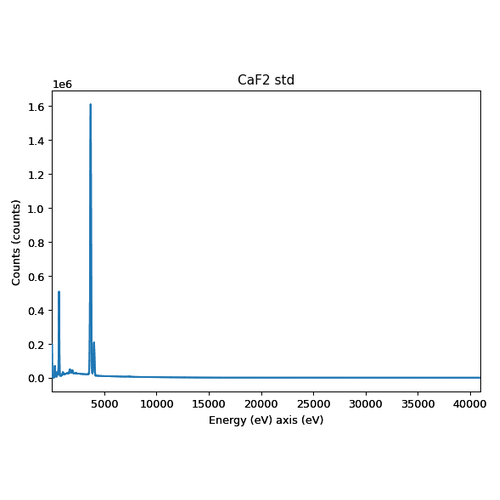
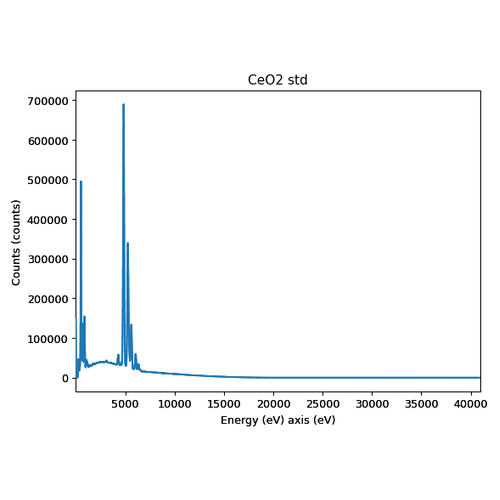
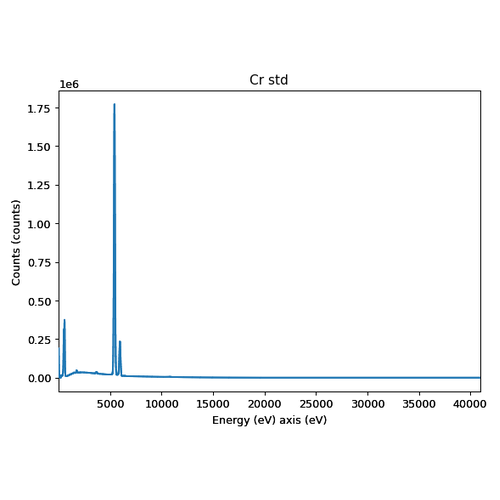
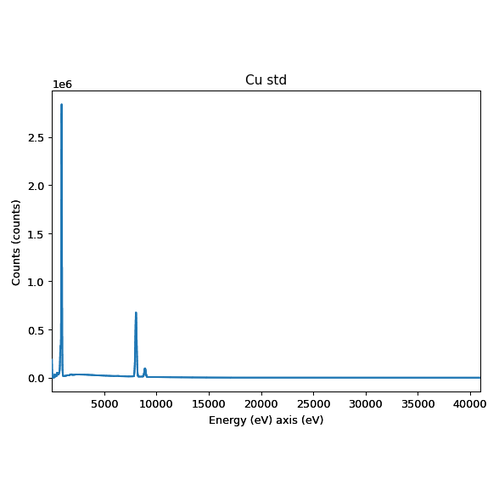
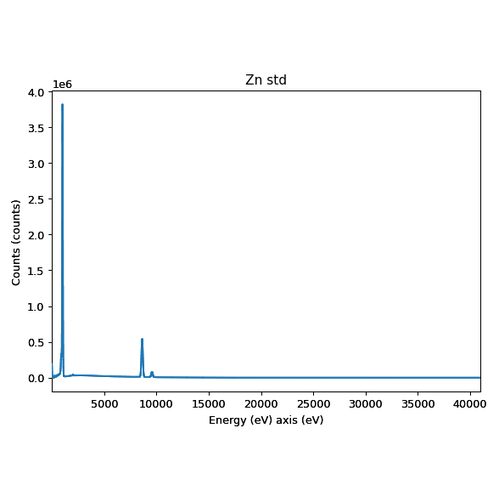
Experiment activity 1
| Setup Parameter | Value |
|---|---|
| Start time | 13:30:13 |
| Channel Offset | 0.0 |
| Data Format | Y |
| Data Type | EDS Spectrum |
| DatasetType | Spectrum |
| EDAX Owner | Unknown |
| File Format | EMSA/MAS Spectral Data File |
| MSA Format Version | 1.0 |
| NexusLIMS Extraction – Module | nexusLIMS.extractors.plugins.msa_extractor |
| NexusLIMS Extraction – Version | 2.6.1.dev0 |
| Number of Data Columns | 1.0 |
| Number of Data Points | 4096.0 |
| Signal Type | EDS |
| X Column Label | Energy (eV) |
| X Column Units | eV |
| Y Column Label | Counts |
| Y Column Units | counts |
A SEM/EDS hyperspectral data set from a deep sea Mn nodule - October 15, 2018
Root path:
| Dataset Name | Path | Size | Type | Format | Meta | D/L | |
|---|---|---|---|---|---|---|---|
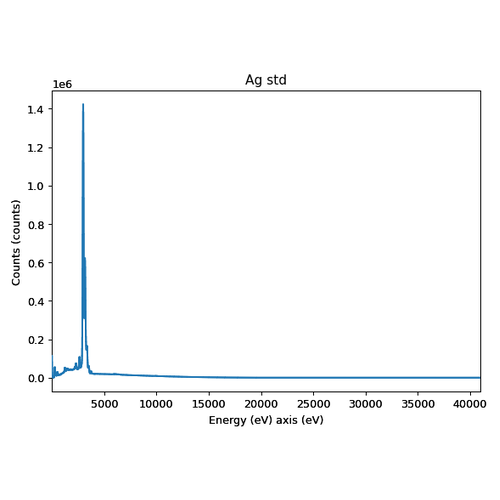
| Ag std.msa | /mds2-2467 |
Spectrum | MSA | ||||
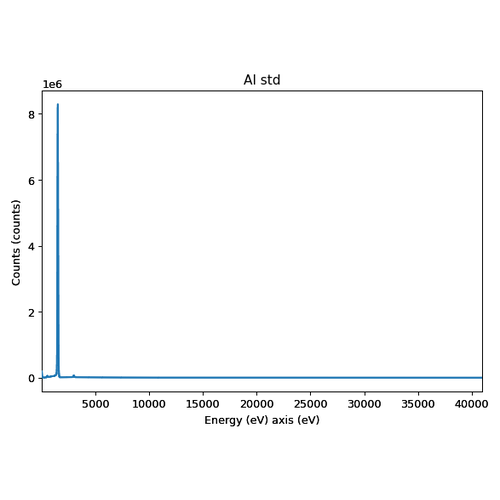
| Al std.msa | /mds2-2467 |
Spectrum | MSA | ||||
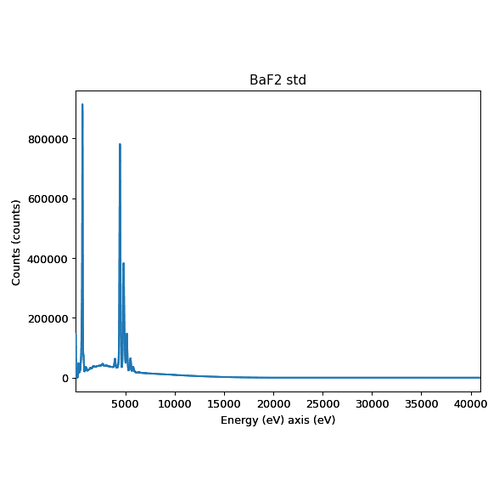
| BaF2 std.msa | /mds2-2467 |
Spectrum | MSA | ||||
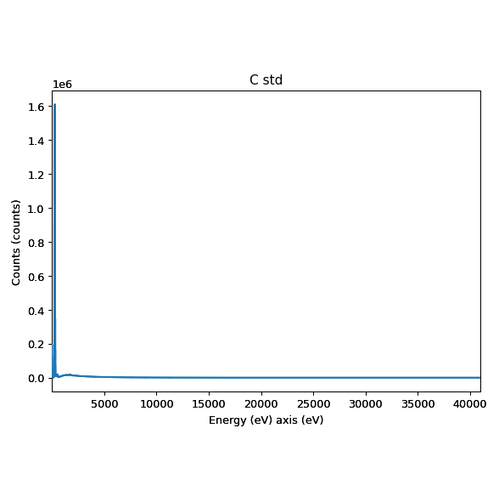
| C std.msa | /mds2-2467 |
Spectrum | MSA | ||||
| CaF2 std.msa | /mds2-2467 |
Spectrum | MSA | ||||
| CeO2 std.msa | /mds2-2467 |
Spectrum | MSA | ||||
| Cr std.msa | /mds2-2467 |
Spectrum | MSA | ||||
| Cu std.msa | /mds2-2467 |
Spectrum | MSA | ||||
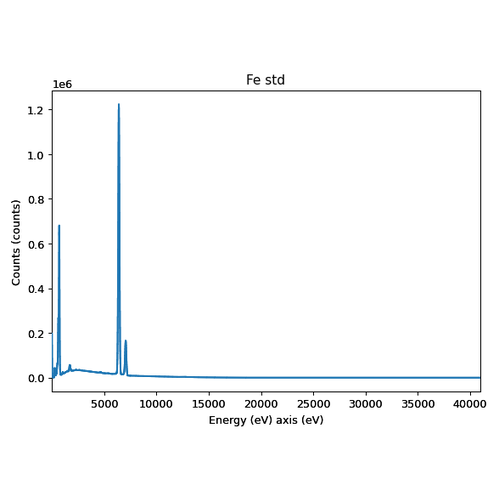
| Fe std.msa | /mds2-2467 |
Spectrum | MSA | ||||
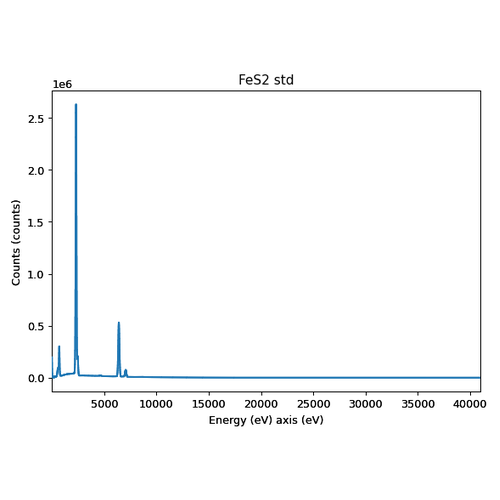
| FeS2 std.msa | /mds2-2467 |
Spectrum | MSA | ||||
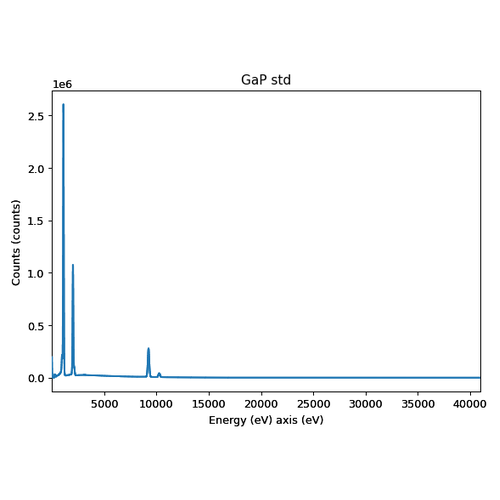
| GaP std.msa | /mds2-2467 |
Spectrum | MSA | ||||
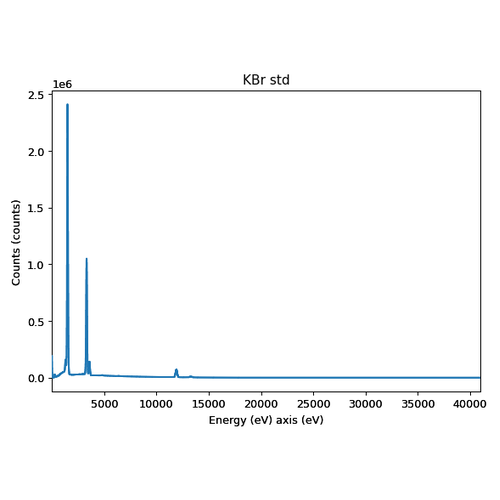
| KBr std.msa | /mds2-2467 |
Spectrum | MSA | ||||
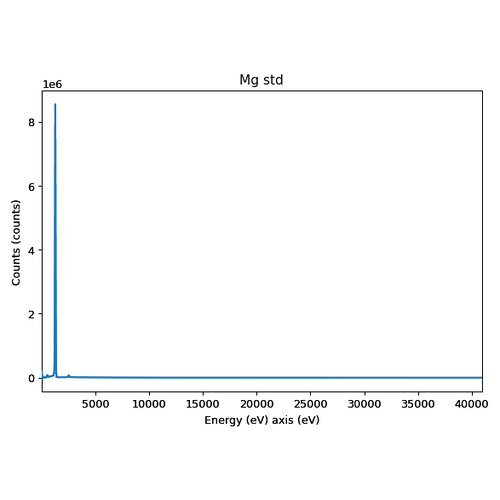
| Mg std.msa | /mds2-2467 |
Spectrum | MSA | ||||
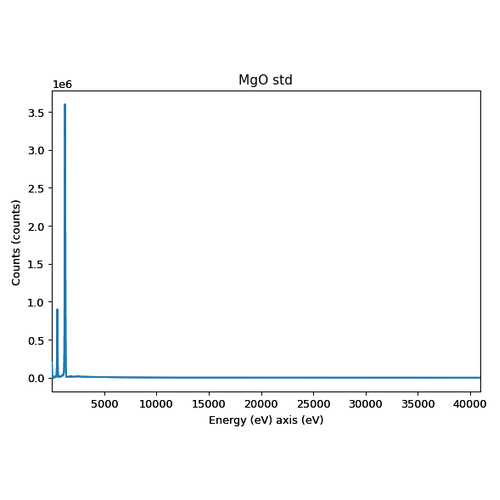
| MgO std.msa | /mds2-2467 |
Spectrum | MSA | ||||
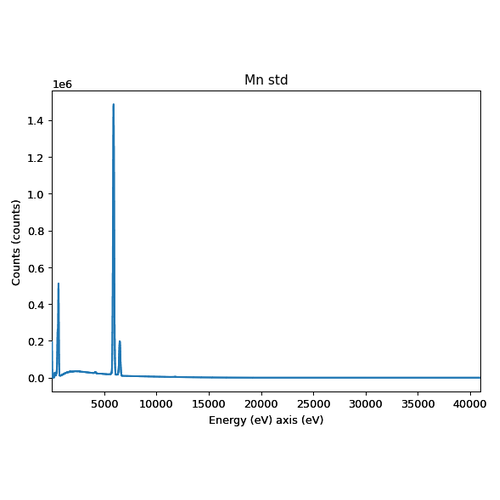
| Mn std.msa | /mds2-2467 |
Spectrum | MSA | ||||
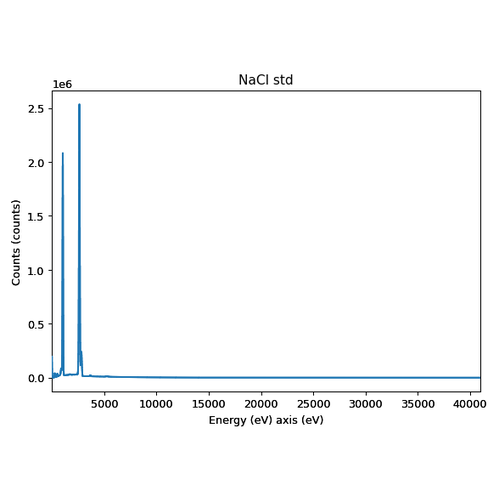
| NaCl std.msa | /mds2-2467 |
Spectrum | MSA | ||||
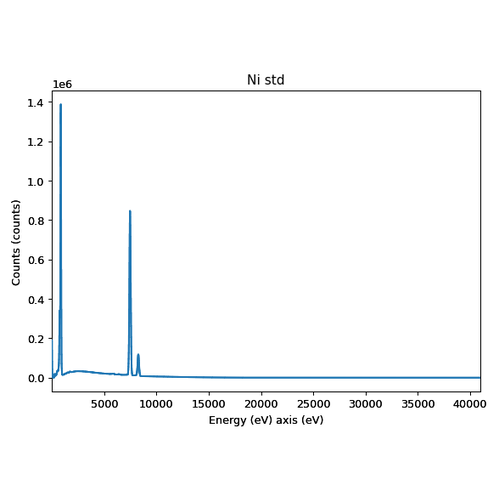
| Ni std.msa | /mds2-2467 |
Spectrum | MSA | ||||
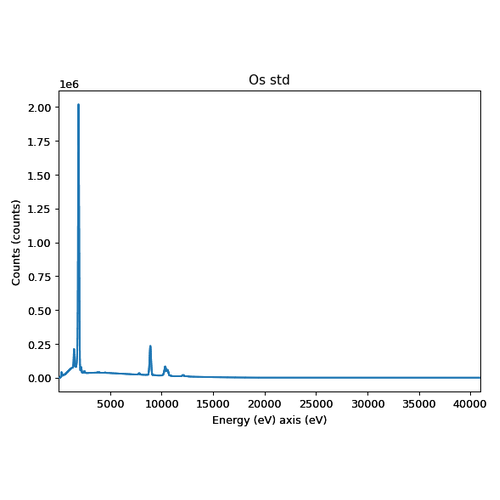
| Os std.msa | /mds2-2467 |
Spectrum | MSA | ||||
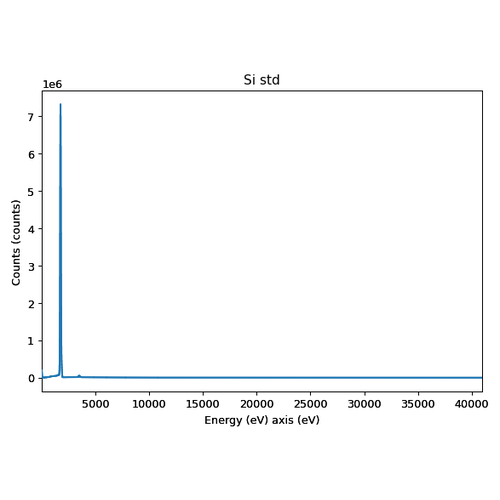
| Si std.msa | /mds2-2467 |
Spectrum | MSA | ||||
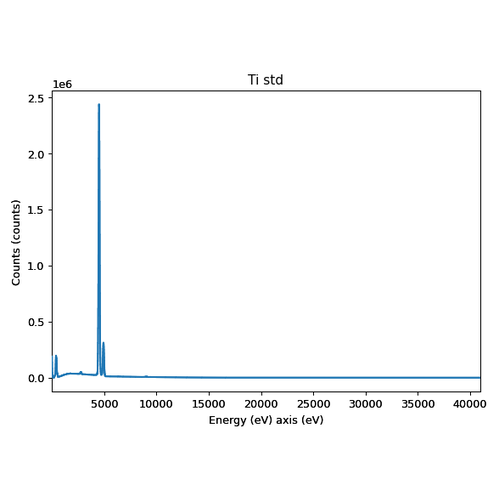
| Ti std.msa | /mds2-2467 |
Spectrum | MSA | ||||
| Zn std.msa | /mds2-2467 |
Spectrum | MSA |

 NexusLIMS Frontend v. 3.23.0